
Your watch data,
on your own machine.
Vitaloop is a free and open-source Android app for tracking health and workouts. It reads Huawei wearables directly over Bluetooth, keeps everything in a local SQLite database, and syncs to a server only if you run one yourself.
What it does
Local first. No account required, no telemetry.
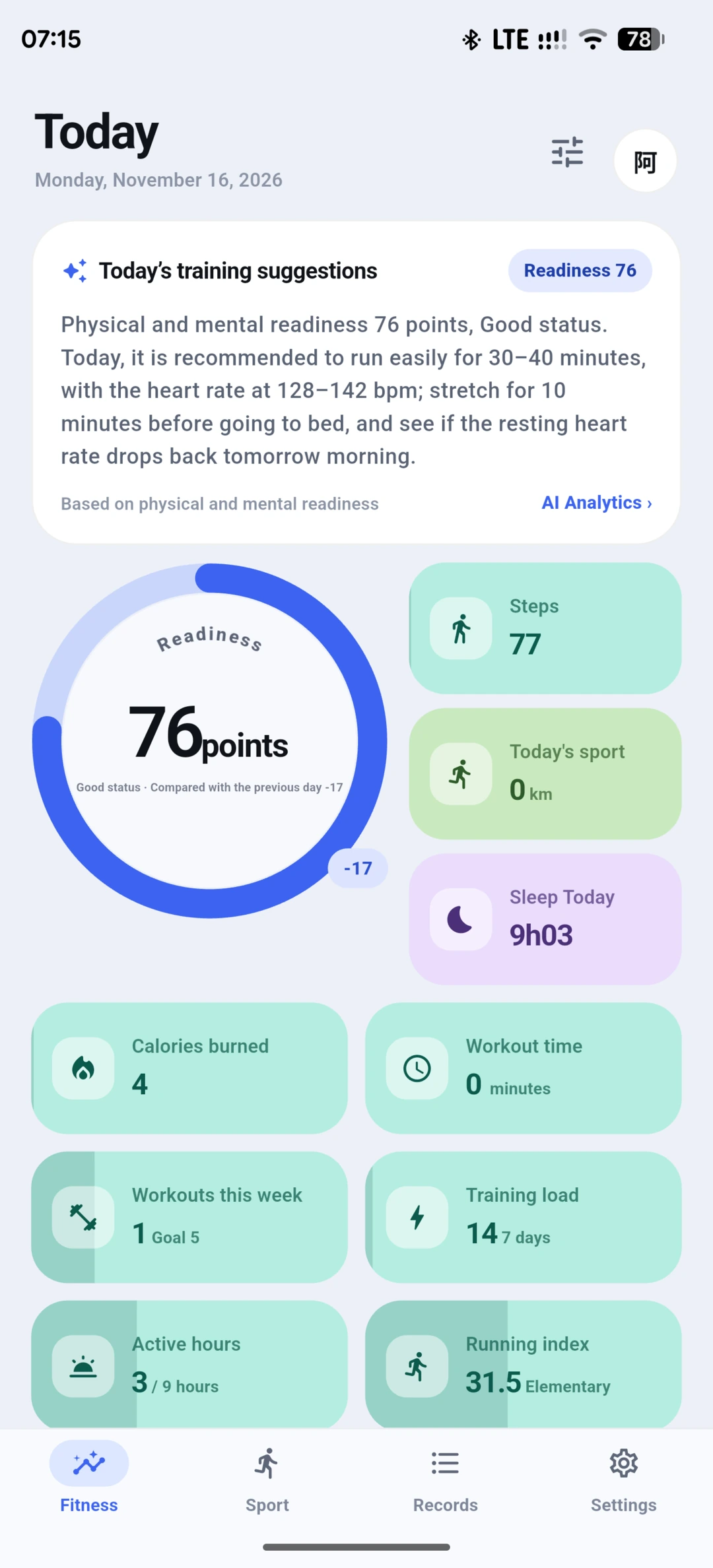
Readiness & daily dashboard
A readiness score built from HRV, sleep, resting heart rate, skin temperature, stress, and recovery. Missing metrics are dropped and the remaining weights are normalized.
Huawei watch sync
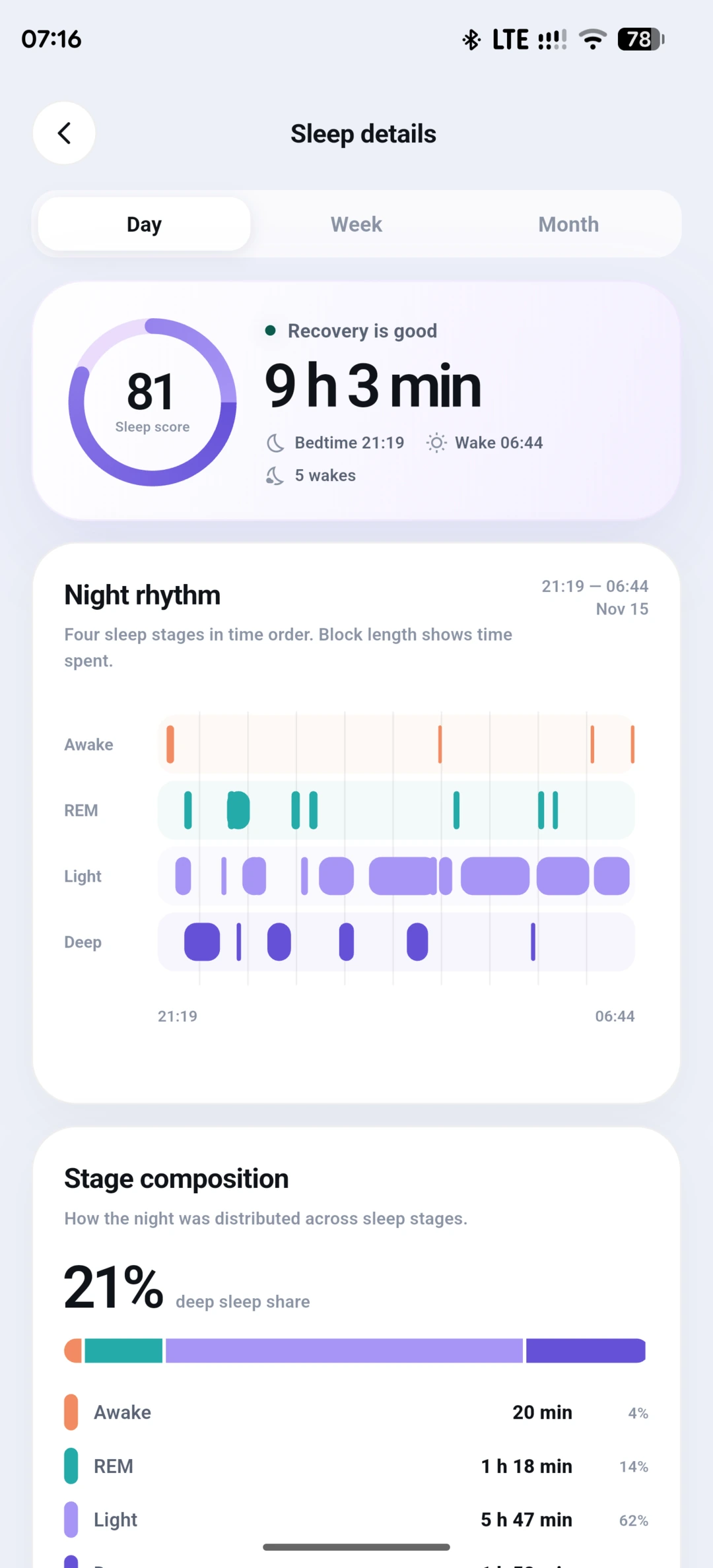
Classic Bluetooth RFCOMM with HiChain authentication, following the pairing flow documented by Gadgetbridge. Sleep, heart rate, stress, HRV, SpO2, and workouts come in incrementally.
Workout analysis
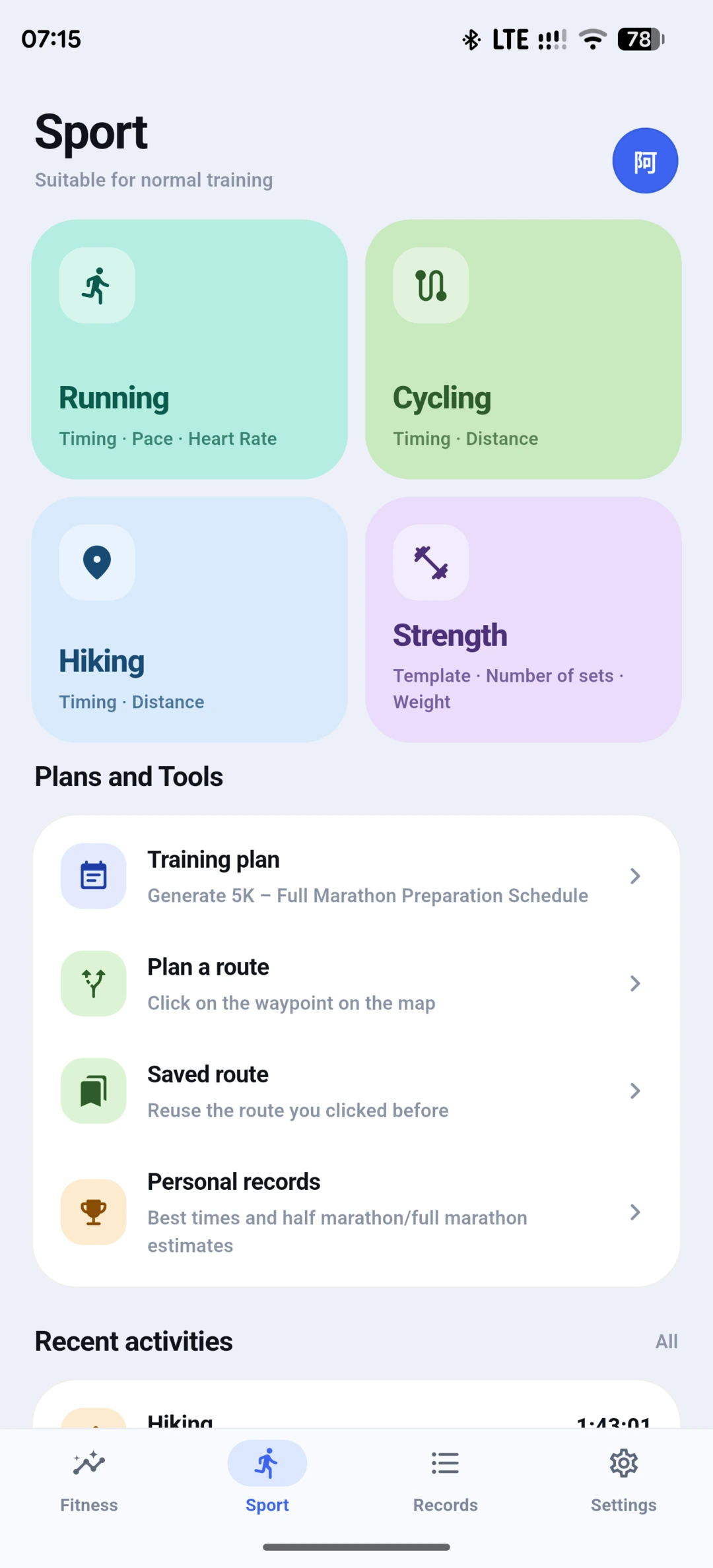
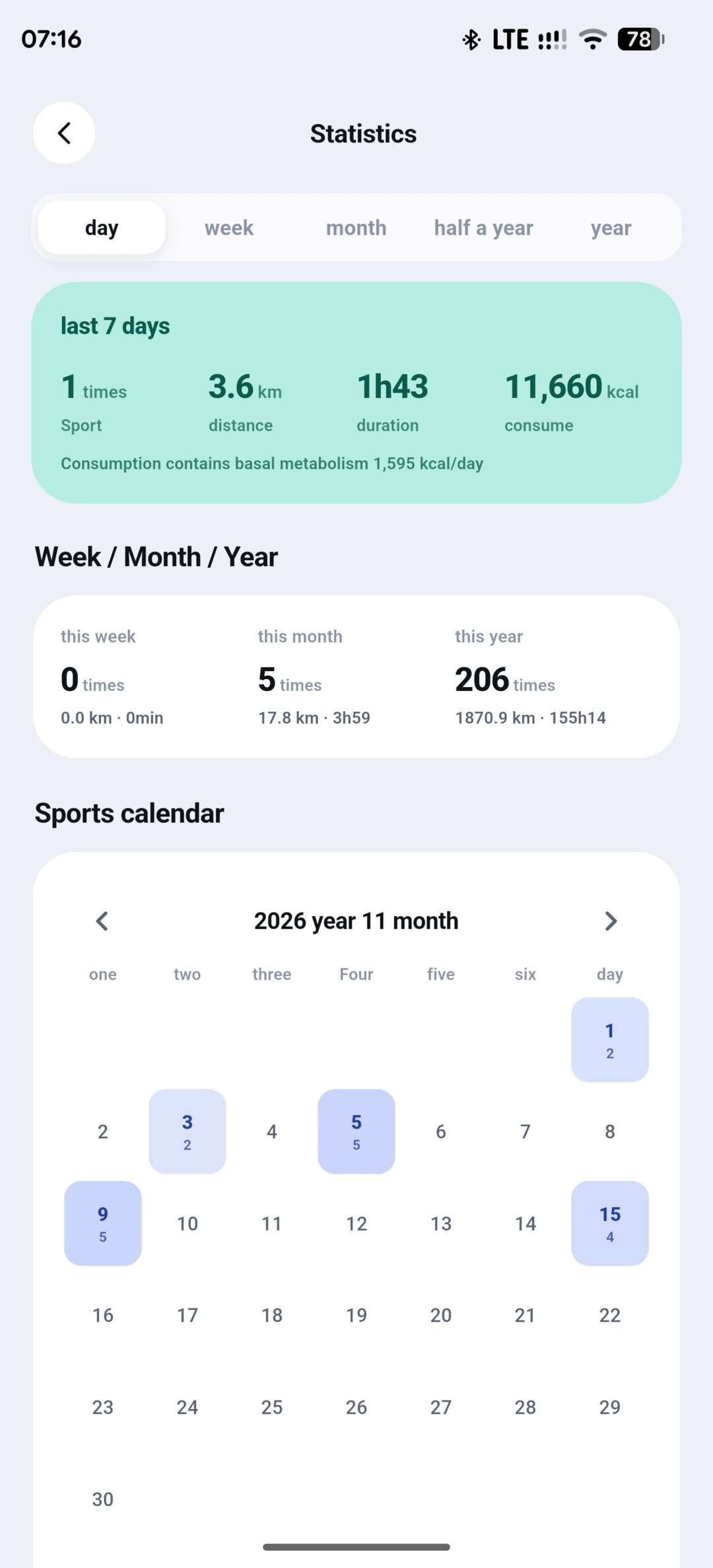
Maps, heart-rate curves, splits, elevation, running dynamics, training load, plans, and GPX/TCX export, plus long-image sharing of a full workout.
Terrain maps
Protomaps PMTiles basemap with a green elevation tint, DEM hillshade, and server-computed contour lines. Tilt to 45° for a 3D-like view; each layer toggles from a long press.
Migration & export
One-time import of a legacy database, workout tracks, profile, goals, and Huawei pairing material. Export to GPX/TCX at any time.
Optional self-hosted sync
Account-based cloud backup and live track sharing against a server you deploy. Nothing is sent anywhere until you enter an address and sign in.
Screenshots
Captured from the Android build with illustrative device data. Click a shot for the full-length screen.
Install
Android 7.0 or newer, arm64.
- Download the signed APK and open it on the phone.
- Allow installs from the browser or file manager you used.
- Grant location, background location, nearby devices, and notification permissions so tracks and watch sync keep running.
- Pair the watch from Settings → Huawei watch; the app walks through the Huawei auth-key flow.
The demo APK points at the author's server for update checks and map tiles only. Do not use that instance for real health data — deploy your own server.
Build from source
Flutter 3.47+, Rust 1.85+, JDK 21, Android SDK 35.
git clone https://github.com/monkey-wenjun/vitaloop-app
cd vitaloop-app
flutter pub get
flutter gen-l10n
flutter build apk --release \
  --target-platform android-arm64 --split-per-abi
Self-host the server
One static Rust binary, no third-party runtime crates.
- Accounts — email + password, salted SHA-256 with 60k rounds, 30-day bearer sessions.
- Sync — full health snapshots plus an append-only delta log, merged on read.
- Workouts — cached per account with list and detail endpoints.
- MCP — a read-only Model Context Protocol endpoint so an AI assistant can query the same data with the same token.
- Maps — PMTiles style/tile proxy, DEM tiles, and contour tiles computed from public elevation data.
Deploy
Docker Compose builds a musl binary and runs it on a scratch image.
git clone https://github.com/monkey-wenjun/vitaloop-server
cd vitaloop-server
docker compose up -d   # 127.0.0.1:8793, volume vitaloop-data
Then put HTTPS in front of it and point the app at your own domain:
Settings → Account → Server, or build with
--dart-define=VITALOOP_CLOUD_URL=https://sync.example.com.
Privacy model
The public source and build ship without a default cloud server, ephemeris server, API key, or signing key.
Local-only by default
Health data is written to SQLite on the device. No account is needed to record, analyze, migrate, or export.
Cloud is opt-in
Sync stays off until you enter a server address and sign in. The server stores a salted password hash, never the password.
No trackers
No advertising SDK, no product telemetry, and no third-party analytics in the default build.